
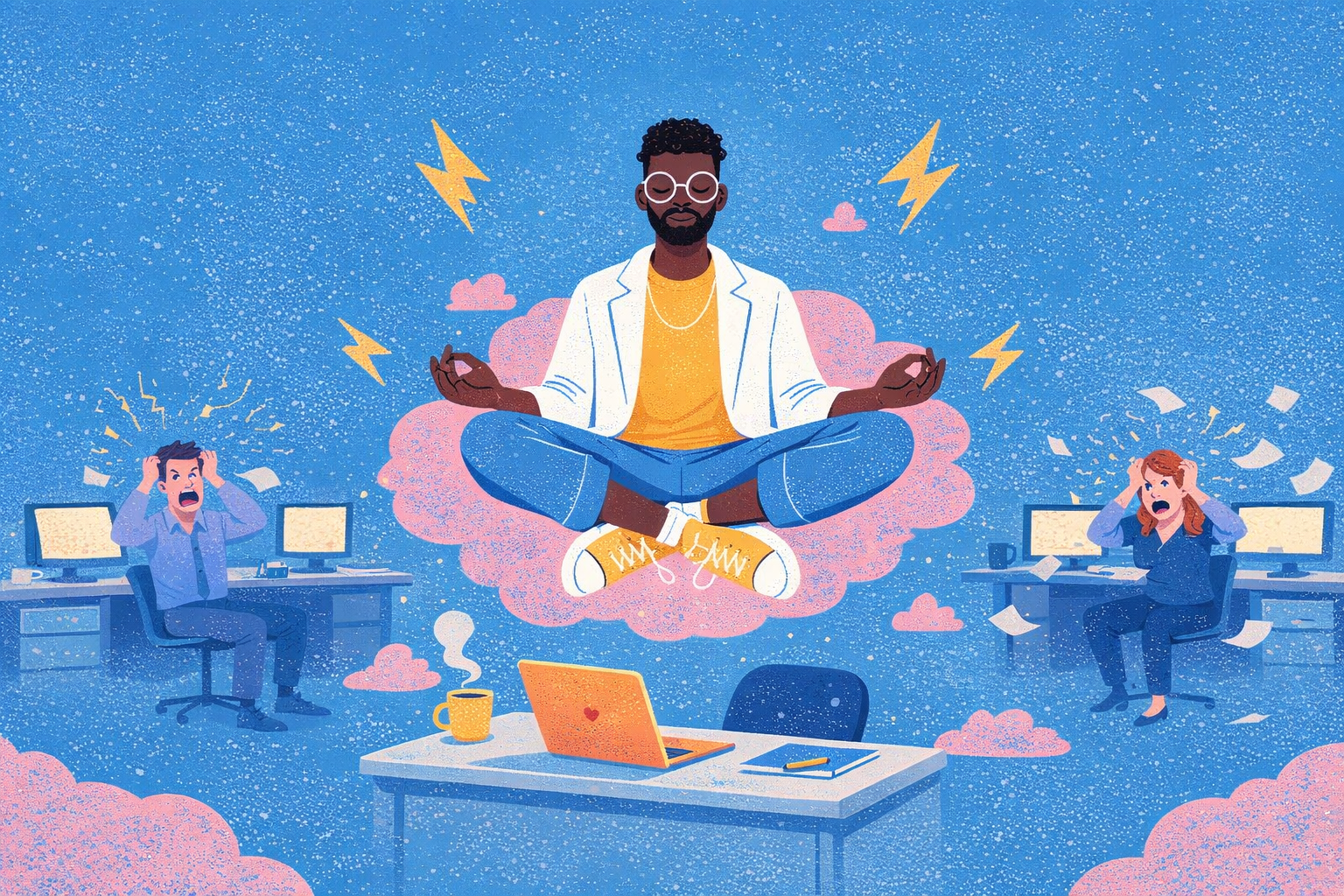
Calm is a UX feature. Good workplace AI must protect it.


Markus Kammin, Head of UX, Haiilo
I’ve been thinking a lot about a word that doesn’t show up often in product roadmaps: calm.
Not calm as an aesthetic. Not whitespace for its own sake. But calm as a user experience outcome. The feeling that a product fits how you think, behaves the way you expect, and doesn’t demand more attention than necessary.
In the digital workplace, calm is a prerequisite for good work.
And right now, AI is putting that calm at risk.
Read: How to make AI really boring (and why that's a good thing)
Calm isn’t quiet. Calm is expected.
When people hear “calm design,” they often picture minimal interfaces. But calm has less to do with visuals and more to do with predictability.
A product feels calm when:
- I know what it’s for
- I know what will happen when I click something
- I don’t feel punished for looking away for five minutes
That last point matters more than ever. Attention is already stretched thin.
According to Microsoft’s Work Trend Index, employees are interrupted every two minutes by meetings, emails, or notifications. Their analysis of Microsoft 365 signals showed high-volume users experiencing up to 275 interruptions per day.
If your AI feature adds another surface, another pop-up, another decision, you’re not helping. You’re competing for already fragmented attention.
Calm, in this context, is about respecting that constraint.
Most AI is built for demos, not daily work
A lot of AI features feel like they were designed to impress in a sales presentation.
They’re flashy. Immediate. Showy.
But daily work is different from a demo. Daily work is repetitive, time-constrained, and context-heavy. People aren’t exploring software for entertainment. They’re trying to get through their day.
In B2C, novelty can be delightful. In B2B, novelty can be a tax.
We’ve all seen it: a familiar shortcut suddenly triggers a new AI panel. A workflow you’ve mastered is interrupted by “help” you didn’t ask for. A banner announces something “smart” that makes you slower.
Help at the wrong moment is just another interruption.
Calm AI requires subtraction
If AI is going to improve the digital workplace, it should first solve a problem that already exists: overload.
Read: The Digital Workplace Problem Report
Research from Asana’s Anatomy of Work Index shows that knowledge workers spend only 40% of their time on skilled work, while 60% is spent on “work about work”: coordination, chasing information, switching between tools.
That’s where AI should focus.
Not on adding more UI. Not on adding more suggestions. But on reducing the friction around:
- Searching for information
- Switching between tools
- Repeating context
- Sorting through irrelevant notifications
In our own product thinking at Haiilo, one of the most impactful improvements wasn’t adding a feature, it was reducing notification overload. Fewer irrelevant pings. More meaningful signals. Better prioritization.
Now, AI should lower the volume of work, not turn it up. Fewer pings. Better signals. That’s calm.
Context is key to reducing cognitive load
Cognitive load in the workplace isn’t just about complex interfaces. It’s about repetition.
In consumer AI tools, repeating yourself is mildly annoying. In business software, it’s a dealbreaker.
If I have to constantly re-explain:
- My company context
- My department
- My guidelines
- My recent communications
- My organizational structure
Then AI becomes work.
In a B2B environment, context retention is not a luxury. It’s fundamental to reducing cognitive load. AI should understand the framework you operate within so you don’t have to keep restating it.
If users start thinking, “Maybe I shouldn’t trust this,” or “This doesn’t really understand my situation,” adoption drops quickly.
Responsible AI UX is intentionally unremarkable
There’s another layer to calm that doesn’t get enough attention: trust.
Public trust in how organizations handle data remains fragile. The UK government’s Public Attitudes to Data and AI Tracker Survey found ongoing concerns about data security and transparency in AI systems.
In workplace software, this matters even more. We’re dealing with sensitive data: payroll, shift planning, leadership communication, internal strategy.
If the system feels unstable or opaque, users pull back.
Responsible AI UX means:
- Being realistic about what the system does
- Ensuring data is handled appropriately
- Avoiding sudden behavior changes
- Maintaining reliability over time
It’s not flashy. That’s the point.
Designing AI for calm
If I had to translate this philosophy into practical guidance, here are the principles I’d recommend:
1. Reduce noise before adding intelligence
Don’t add AI to compensate for clutter. Remove friction first.
2. Design for pull, not just push
Make AI available when users seek it. Avoid forcing it into workflows uninvited.
3. Prioritize timing
Ask: Is this the right moment? Timing is often more important than capability.
4. Preserve context
In business software, context retention reduces cognitive load more than any single feature.
5. Keep humans in control
Just because something can be automated doesn’t mean it should be. Especially in areas involving culture, communication, or trust.
6. Make reliability the hero
Consistency, privacy, and transparency are UX features, not compliance afterthoughts.
AI should be woven in, not bolted on
Our AI philosophy at Haiilo isn’t about building more and more AI features. It’s about integrating assistance into real workflows in a way that feels natural and predictable.
AI shouldn’t feel like a separate product inside your product. It should feel like a quiet layer of support – accessible when needed, invisible when not.
Because the digital workplace doesn’t need more surfaces shouting for attention. It needs systems that help people focus.
A final thought
There’s a lot of excitement around AI right now. And rightly so. It has real potential to improve work.
But there will also be a moment – and I think it’s coming – when organizations realize that pushing AI into everything without restraint wasn’t the answer.
The winners won’t be the loudest AI products. They’ll be the calmest ones.
Because calm doesn’t happen by accident. It has to be designed.
FAQ: Designing calm AI in the digital workplace
Calm AI refers to systems that support work without demanding unnecessary attention. It’s less about visual minimalism and more about predictability and flow. A calm experience helps users understand what a tool does, what will happen next, and how to stay in control. It reduces interruptions rather than adding to them.
In the digital workplace, employees already face constant interruptions, from emails to meetings to notifications. Adding more AI-driven prompts or features can increase cognitive load instead of reducing it. Calm design respects limited attention by fitting into existing workflows and helping users focus on meaningful work.
AI should target friction points like searching for information, switching between tools, repeating context, and filtering signals from noise. Instead of introducing new interfaces or decisions, it should simplify existing ones. The goal is subtraction—fewer steps, fewer distractions, and clearer prioritisation.
Context is critical. AI that understands a user’s organisation, role, and recent activity eliminates the need for repetition. Without context retention, users must constantly re-explain themselves, which quickly becomes frustrating. Effective AI reduces this burden, making interactions feel seamless and relevant.
Trust comes from consistency, transparency, and reliability. Calm AI avoids unexpected behaviour, clearly communicates its capabilities, and handles data responsibly. It doesn’t overpromise or disrupt workflows. By being predictable and respectful of user control, it earns long-term confidence rather than short-term attention.
.png)
Read why the best AI is really boring
(and why that’s exactly what work needs right now)
Find
your
flow
Bring communication, knowledge, and tools into one calm place — and help your people find their flow.